How to Sign Documents Online for Personal Use
Personal documents rarely need a subscription: sign a PDF in your browser for free, or send it for signature and track it. Both routes explained.
Send a document for signatureThe lease application, the school permission slip, the insurance beneficiary form: they land in your inbox as PDFs, and someone expects them back signed. You do not need a DocuSign subscription for this. Most personal documents split into two situations, and each has a free route.
If only your signature is needed, you can sign the file right in your browser without an account. If the other party has to sign too, you send the document out and watch it come back. This guide covers both, plus where the evidence lives once everything is signed.
Signing personal documents, step by step
Check what the document actually needs
Open the PDF and look for signature fields. If the only line waiting for ink is yours, use the self-signing route in the next step and you are done in two minutes. When a second person has to sign, a landlord or an agent, plan for the send-for-signature route in step three instead. Documents marked for notarization follow different rules in most countries, so check the notary requirement before signing anything online.
Sign it yourself in the browser
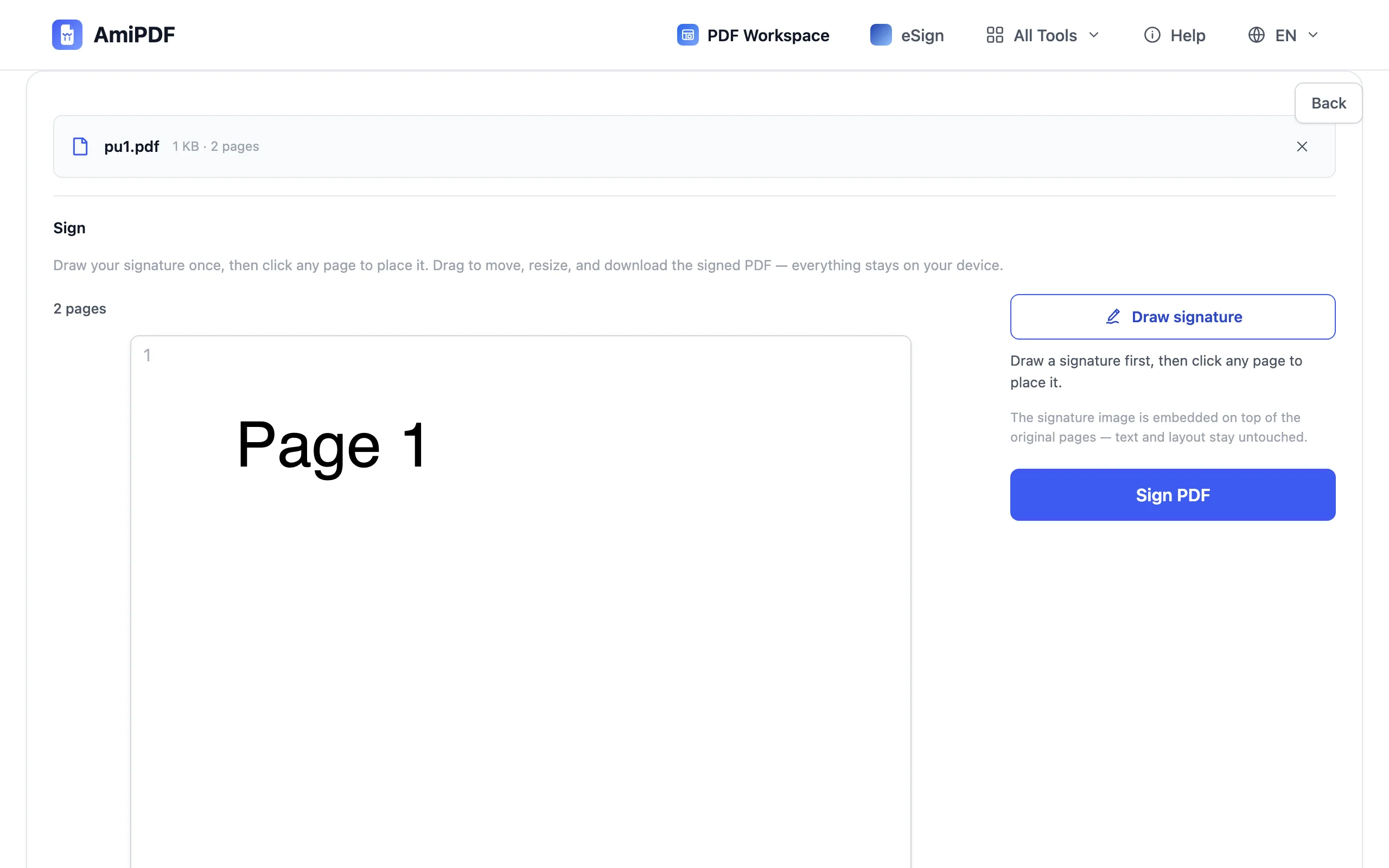
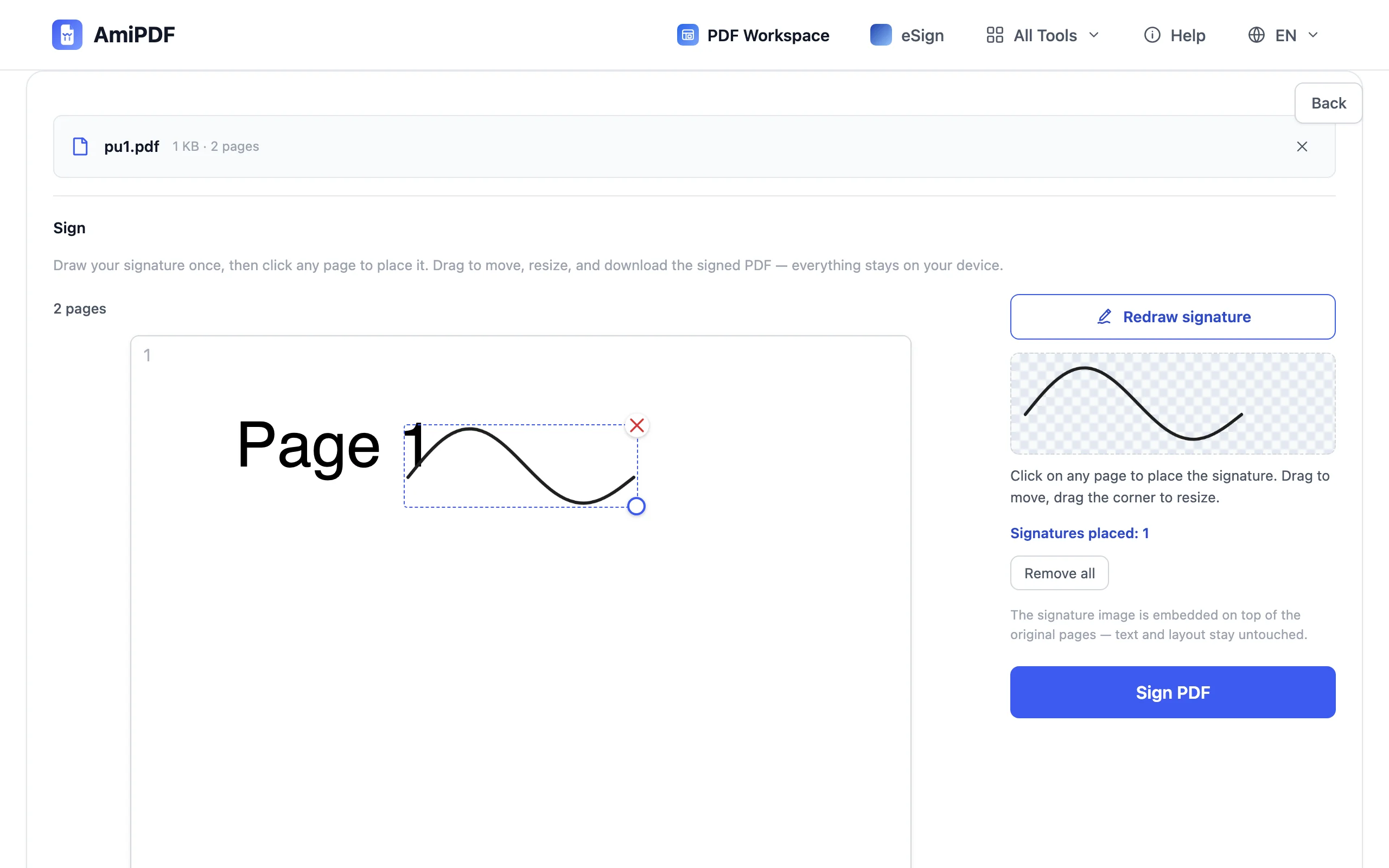
Go to the AmiPDF Sign PDF tool and drop the file in. Draw your signature once with the mouse, or with a finger on a phone, and click wherever it belongs on the page. Drag to resize, download, done. The file is processed locally in your browser and never uploaded, and no account is involved.
Send it when the other party has to sign
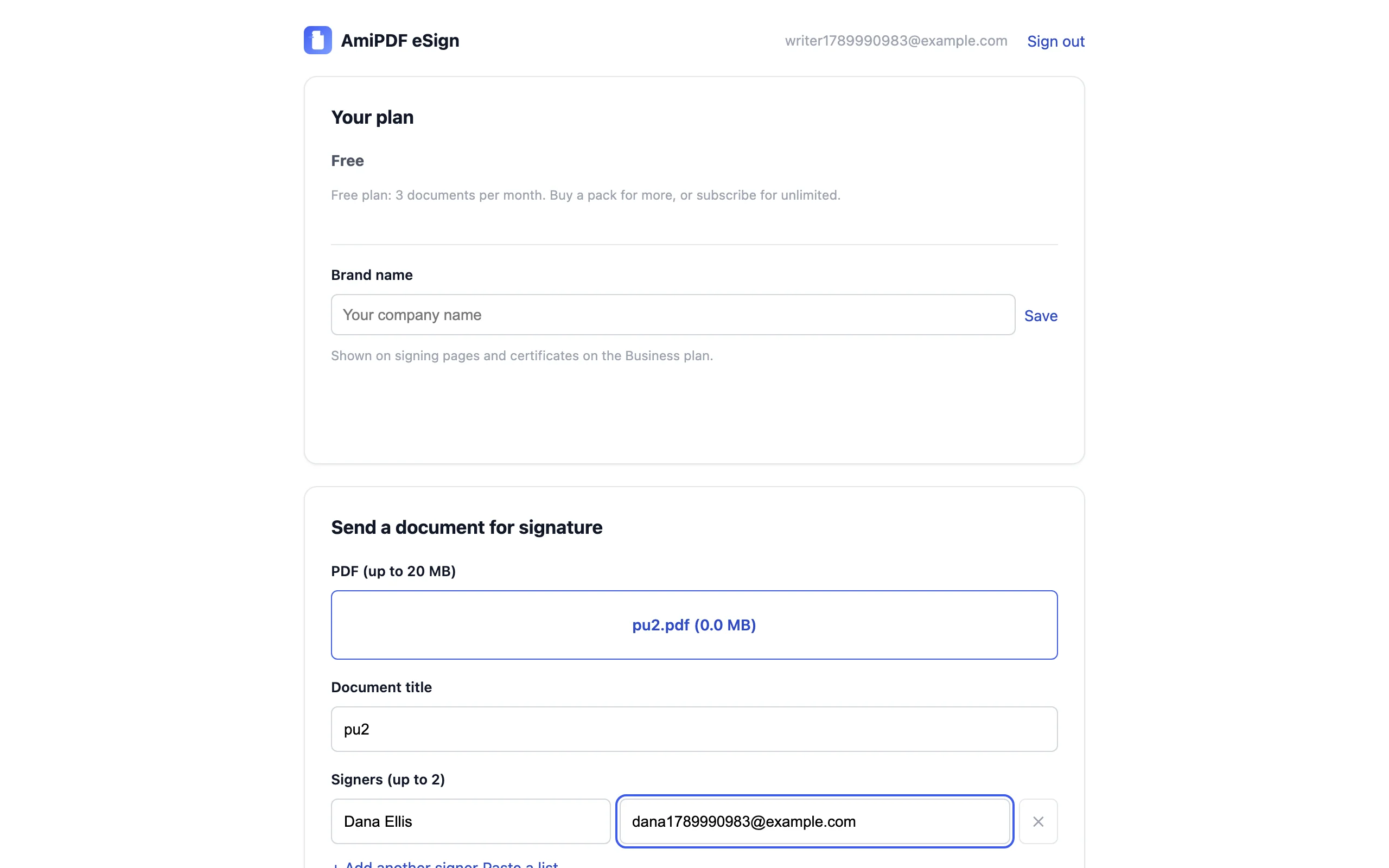
Create a free account on AmiPDF eSign, upload the document, and add each signer's name and email address. Pressing send delivers a private link to each person by email; they sign in their browser, phone included, without registering anything. The free tier covers 3 documents in total with up to 2 signers each, which covers a household’s one-off paperwork.
Keep the evidence with the file
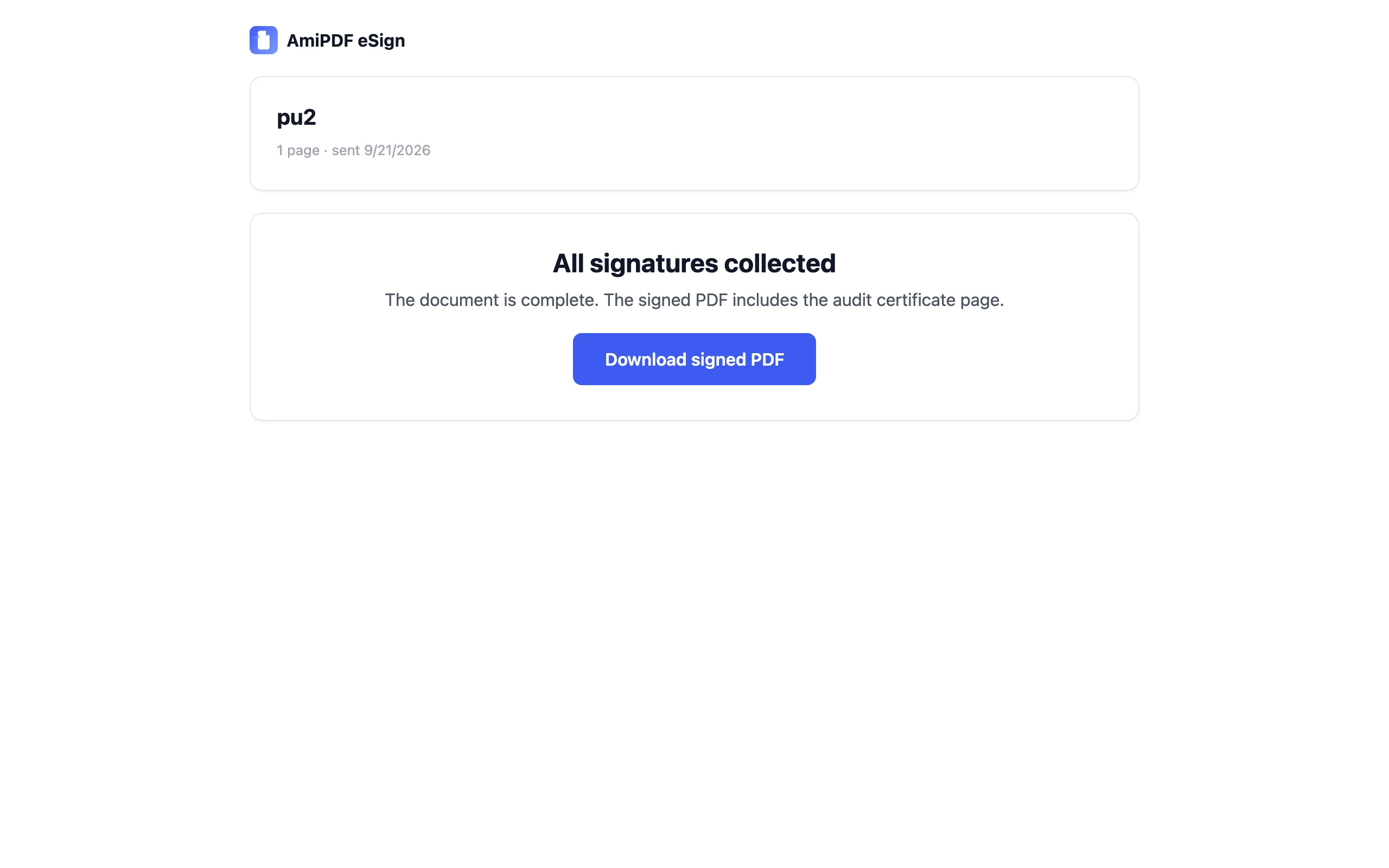
When the last signature lands, download the finished PDF. It carries a certificate page listing every signer, the timestamps, and the file hash, and the audit trail records who opened the document and when. Save that copy somewhere durable: downloads live on your machine, while the stored working copy is cleaned up after the retention window. For a tax file or a mortgage bundle, the certificate page is the part that answers questions years later.
Getting the details right
Typed and drawn signatures carry the same weight
Both end up as an image embedded in the PDF. What matters for validity is the evidence around the signature: who signed, when, and whether they agreed to sign electronically. Spend your attention on the audit trail, not on making the ink look fancy.
Count before you pay for anything
Three free documents cover most households’ one-off paperwork. A one-time pack of five documents for $5 beats any subscription if you sign in occasional bursts, and it never expires.
Keep two copies, in two places
Keep the signed PDF and the confirmation email in separate places. The email proves the document existed on a date; the certificate page inside the PDF proves who signed it.
Personal signing questions
Is an online signature legally binding for personal documents?
In most jurisdictions, yes, provided the signer consented to signing electronically and there is evidence of who signed and when. The certificate page and audit trail provide that evidence. Rules differ by country and some documents need special handling, so confirm local requirements for anything high-stakes.
Do I need an account to sign a document someone sent me?
No. Signers receive a private link by email and sign directly in the browser. Accounts are only for the person sending documents out.
Can the other party sign from a phone?
Yes. The signing page works in mobile browsers, with a finger on the signature pad. Nothing gets installed on their device.
Can I sign a Word document this way?
Not directly. Convert it with the Word to PDF tool first, then sign the PDF. Keeping personal records as PDFs also preserves the layout exactly as signed.