How to Sign a PDF Without Acrobat
Sign a PDF without Acrobat or any subscription: draw your signature in the browser, place it on any page, resize and download. Free and private.
Sign your PDF nowThe contract needs your name on page six, and the vendor's portal insists the world runs on a desktop editor with a monthly plan. It does not. A signature is a drawing placed on a page, and a browser can do that without installing anything or paying anyone.
This guide shows how to sign a PDF without Acrobat, using AmiPDF: draw the signature once with mouse or finger, click any page to stamp it, drag to position and resize, download. The file stays on the device the whole time, which is exactly what you want for employment papers, tax forms and anything with your name on it.
Open the signing tool and follow along.
Signing without Acrobat, step by step
Add the document
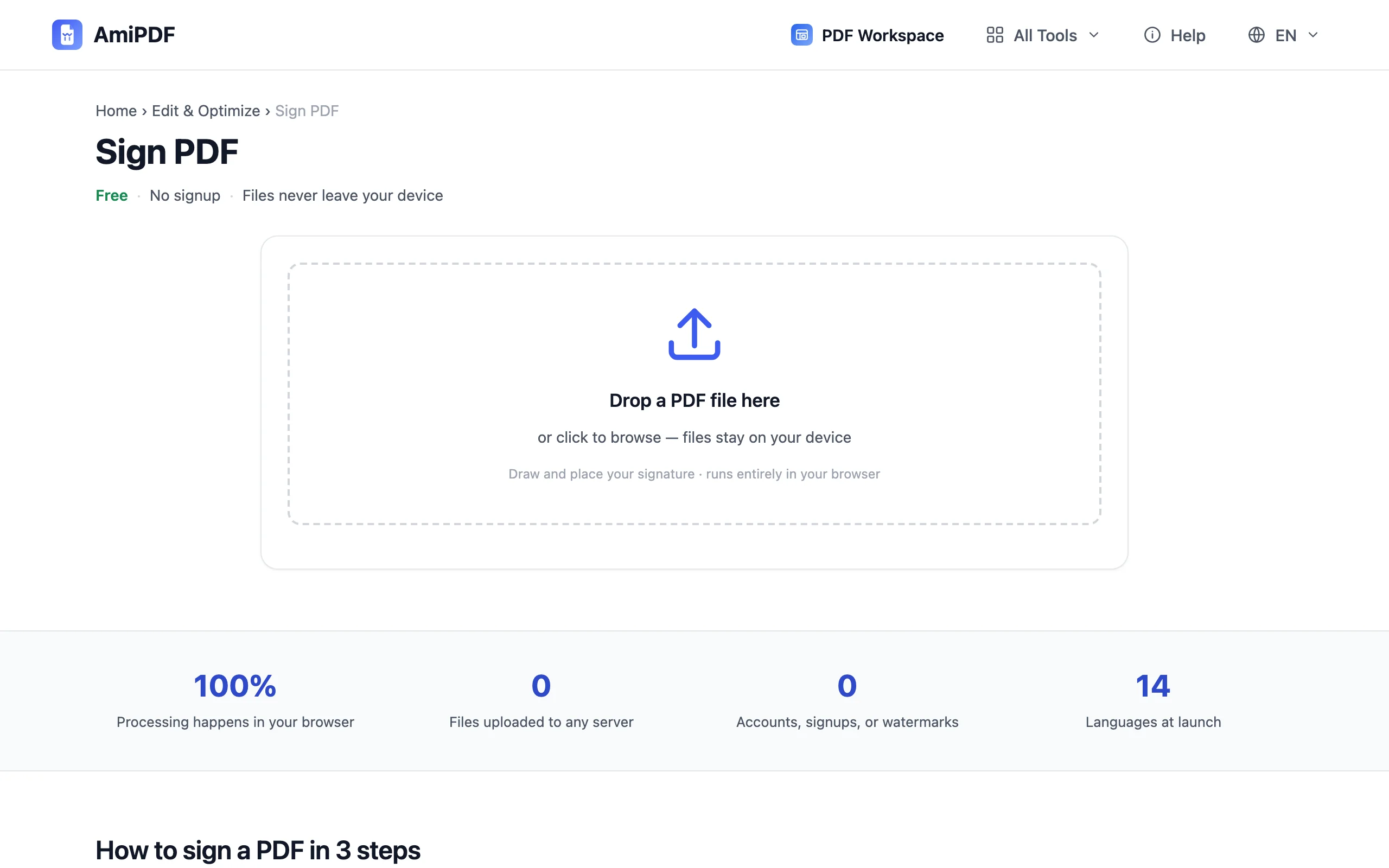
Go to the AmiPDF sign tool and drop the PDF. Every page renders in a scrollable stack; that stack is your working surface, and any page in it can take the signature.
Draw your signature once
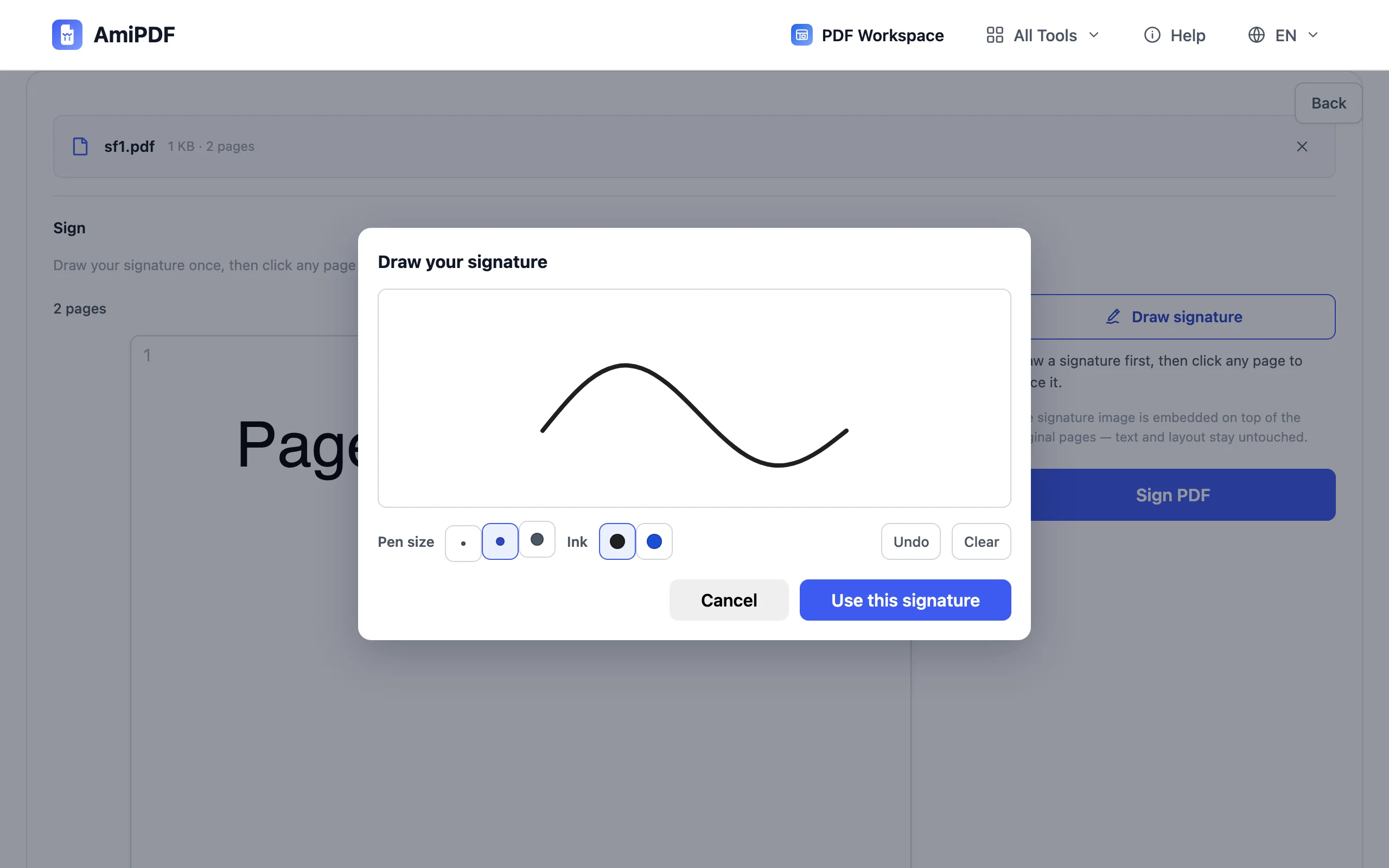
Press the draw button and a pad opens beside the pages. Sign with the mouse, or with a finger on any touch screen. The stroke is saved at double screen resolution, so it stays crisp at signature-block sizes; undo strips the last stroke, and the pad clears for a fresh start.
Place it on the pages
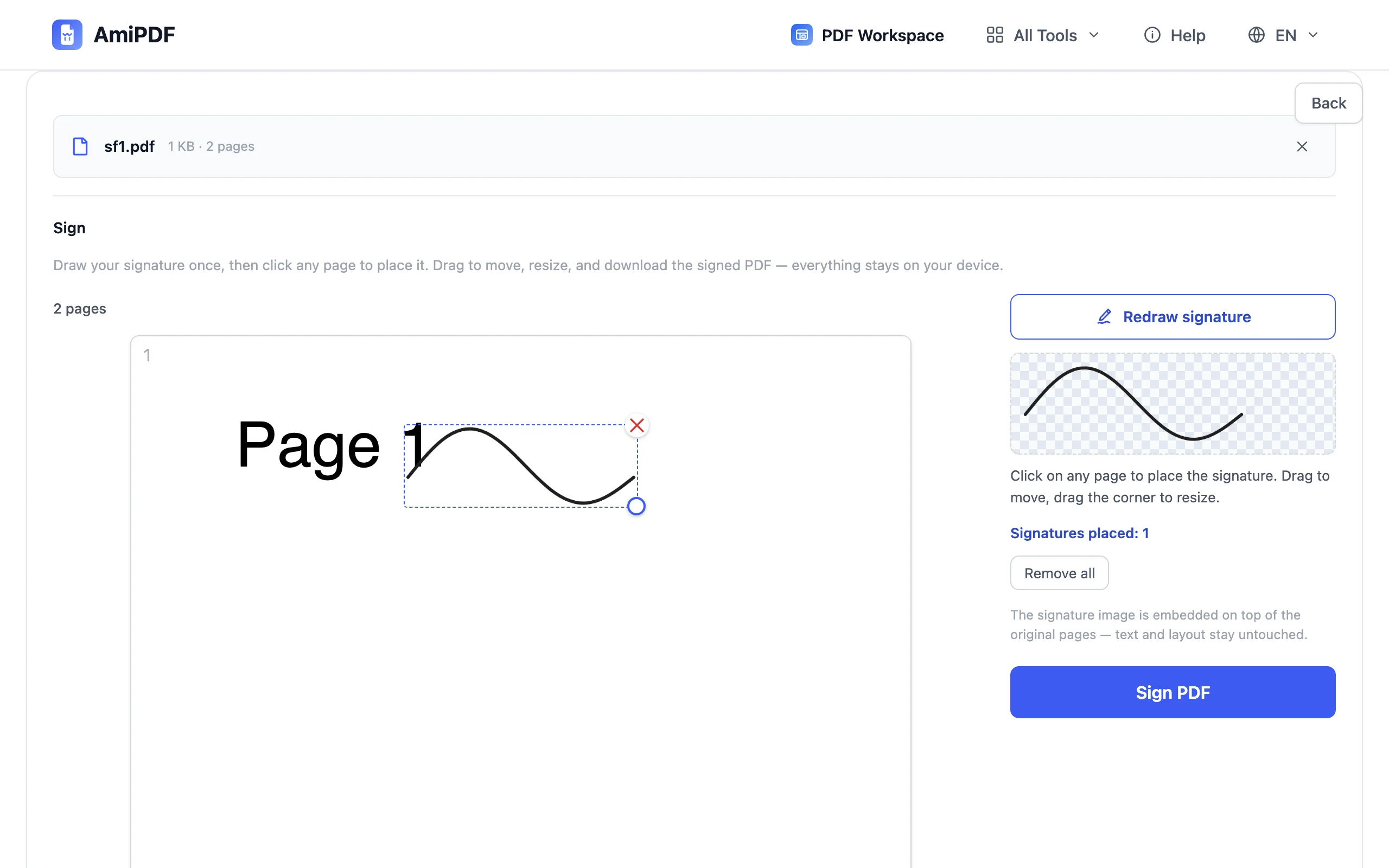
Click anywhere on a page to drop the signature there, then drag it into position and pull its handles to resize. Repeat on every page that needs it — contracts with an initials line on each sheet take one pass.
Download the signed file
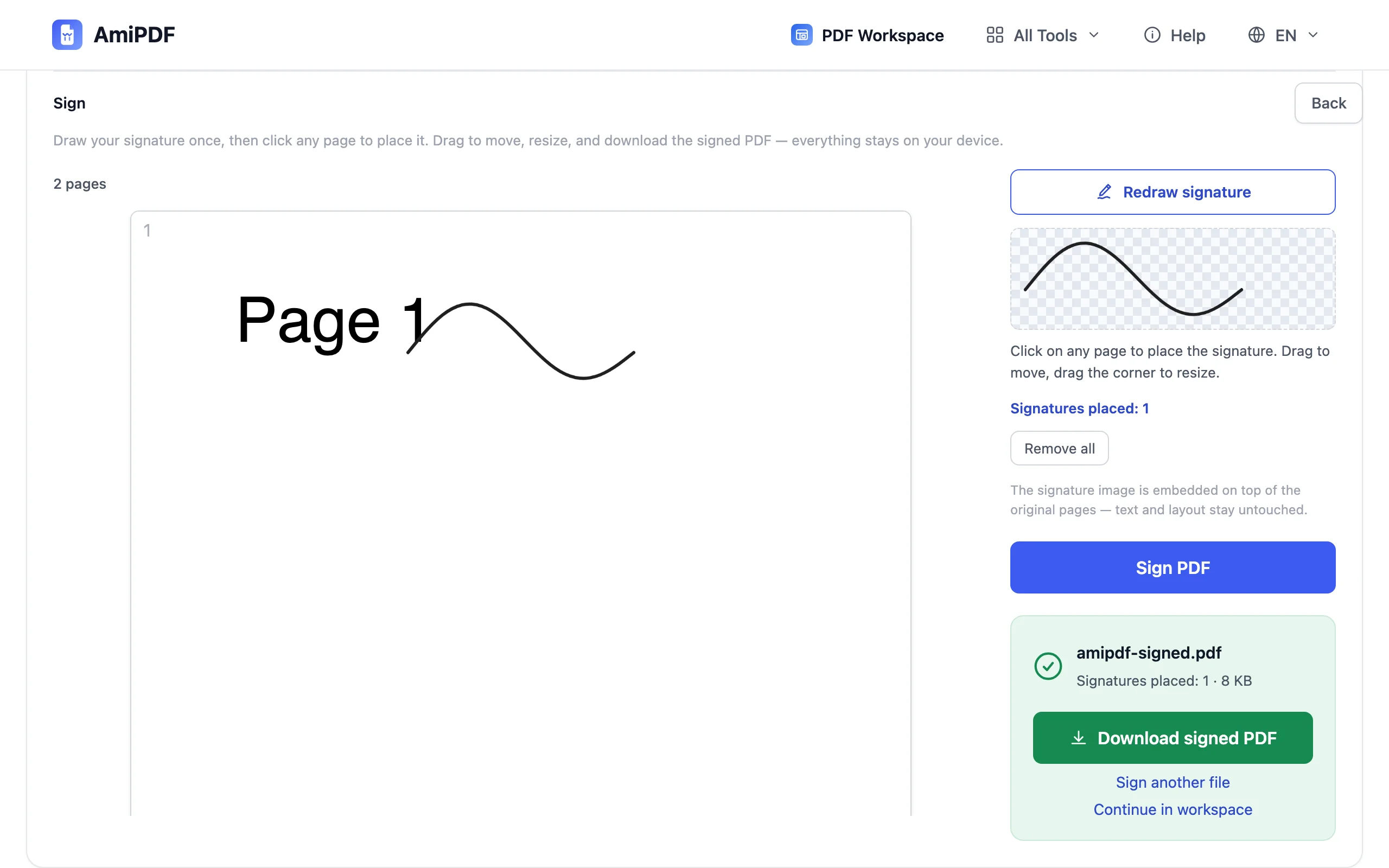
Press the sign button and download. The output is a standard PDF that opens in any viewer; no watermark, no vendor badge, nothing visible that announces which tool was used.
Getting the best results
A slow stroke beats a fast one
Signatures drawn at normal writing speed come out ragged on a mouse pad. Slow down by half and the curve smooths out; on a phone or tablet, sign with a finger at the size you would use on paper.
Size it like a wet-ink signature
A signature block reads as «signed» when it covers roughly the height of the printed line above it. Oversized marks look stamped; undersized ones look accidental.
Pair signing with protection when it travels
Once both parties have signed, a password keeps the final copy from being edited further: run the finished file through the protect tool before archiving it.
Frequently asked questions
What does Acrobat do that this tool doesn't?
Certificate-based digital signatures and audit trails. Those verify who signed and detect later edits, and they matter in regulated workflows. For everyday signatures — consent forms, delivery receipts, internal approvals — a drawn signature on the page is what most recipients actually expect.
Does it cost anything?
No. The tool runs in the browser, has no account system and no usage cap; there is no subscription to cancel later.
Can the recipient tell which program made the file?
Only by digging into the file's technical properties. The visible page carries your drawing and nothing else: no watermark, no «signed with X» banner, no branding of any kind.
What if the document is a fillable form?
Type into the fields first with the forms tool, download, then sign that copy. Signing a blank form and filling it afterwards is possible but leaves the fields editable, which defeats the point of signing.